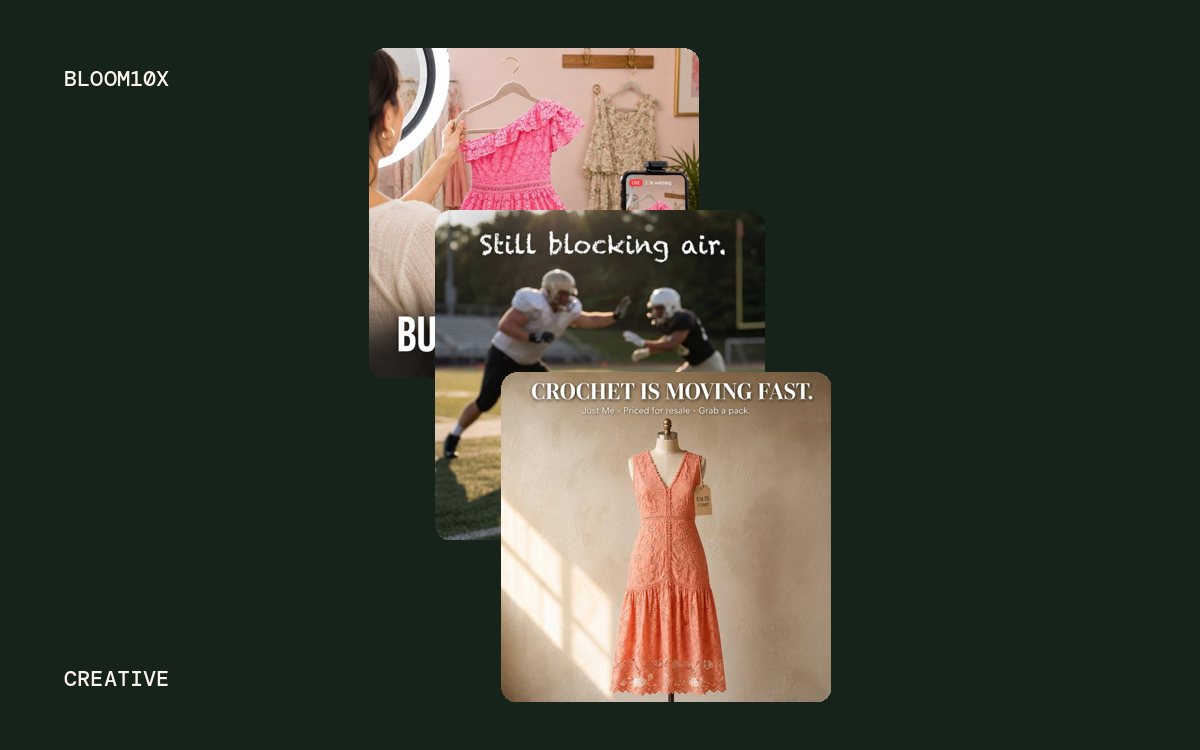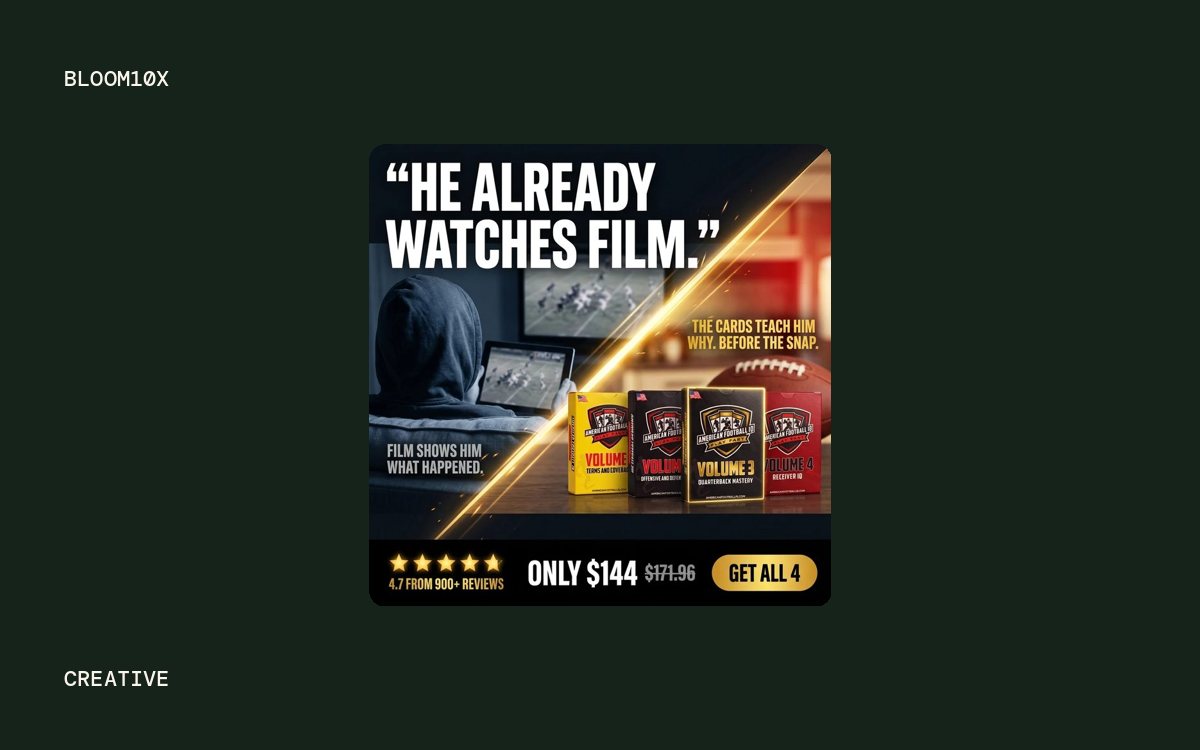
- Meta partnership ads, TikTok Spark Ads and whitelisting are three names for one idea, running a brand's ad from a creator's account so the creator's name shows in the ad.
- The platform permission (an ad code or account access) is separate from the usage rights in your contract, so agree duration, paid usage and edits in writing first.
- The FTC puts disclosure on both the creator and the brand, and says a platform's label alone may not be enough.
Meta partnership ads, TikTok Spark Ads and influencer whitelisting all let a brand run ads from a creator's account, so the ad shows the creator's name instead of, or next to, the brand's. Meta calls it partnership ads, TikTok calls it Spark Ads, and "whitelisting" (now often "allowlisting") is the older industry term for the same arrangement. This article covers how each works, setup on both platforms, what to put in the creator contract, and disclosure rules.
What are partnership ads, Spark Ads and whitelisting?
Say Demo Brand, a made-up supplement store, pays a fitness creator for a protein powder video. As a brand-handle ad it runs under "Demo Brand." As a partnership ad or Spark Ad it runs under the creator's name and photo, and looks like a post from someone the viewer might follow, with a Shop now button.
| Term | Platform | What it means today |
|---|---|---|
| Partnership ads | Facebook and Instagram | Meta's name for ads run with a creator or partner. Formerly "branded content ads." |
| Spark Ads | TikTok | Ads made from organic TikTok posts, including posts by other creators with their authorization |
| Whitelisting or allowlisting | Any | Industry term for a creator giving a brand permission to advertise from their account |
Whitelisting often meant the creator handing over access to their ad account or Page. Both platforms now have built-in permission tools, so the creator keeps control of their account and the brand runs the ads from its own ad account.
How do Meta partnership ads work?
Per Meta's help page on partnership ads (Meta Business Help Center, 2026), a brand runs the ad with a creator or another business, and either or both accounts appear in the header. Meta says the ads draw on signals from both accounts, which it credits with better ranking and extra performance. There are two kinds of permission, explained on Instagram's partnership ad permissions page (Instagram Help Center, 2026).
Content-level permission: the partnership ad code
The creator gives you permission for one post, story or reel. Per Instagram's ad code guide (Instagram Help Center, 2026), the creator:
- Opens the post, story or reel on Instagram and taps the three dots.
- Taps Partnership label & ads.
- Turns on Get partnership ad code.
- Copies the code and sends it to the brand.
The same page says a code can be used by up to 2 partners at a time. If the creator turns the toggle off, no new ads can be made from the code, but ads already running keep running. On Instagram, archiving the post does not remove the brand's access.
On the brand side, per Meta's guide to creating a partnership ad (Meta Business Help Center, 2026):
- In Ads Manager, create the campaign and ad set as normal.
- At the ad level, turn on the Partnership ad toggle.
- Click Enter ad code or post info and paste the code, post ID or post URL.
- Choose which identities show in the header: both, the first identity only, or dynamic identity, where Meta picks the option it predicts will perform best. Dynamic identity is on by default.
Account-level permission: ongoing access
For a creator you work with every month, ask for account-level permission instead. The brand sends the request from Meta Business Suite under Creator Marketing, and the creator accepts it in Instagram, Facebook or the hub itself, per Meta's account-level permissions page (Meta Business Help Center, 2026). Once accepted, the brand can:
- Create partnership ads from the creator's handle without pre-existing content, meaning you can upload new edits.
- Create ads from any of the creator's existing posts that tag the brand, including archived ones.
- Include or exclude the creator's custom audience in the campaign.
This is what makes testing practical: five new hooks cut from one shoot can all run under the creator's name without five codes.
How do TikTok Spark Ads work?
TikTok's Spark Ads page (TikTok Business Help Center, 2026) describes them as a native format built from organic TikTok posts, including other creators' posts when they authorize it. Views, comments, shares, likes and follows from the ad count toward the original post.
The Spark Ads authorization code
The creator opens the video in the TikTok app, taps the three dots, opens Ad settings, and taps Generate to create a code, per TikTok's Spark Ads creation guide (TikTok Business Help Center, 2026). TikTok's push and pull PDF guide (TikTok for Business, 2021) lists authorization periods of 7, 30, 60 or 365 days, with the clock starting at authorization. Confirm the options in the app, since that guide is older. Requests sent through TikTok's Content Suite default to 365 days, per its Content Suite help page (TikTok Business Help Center, 2025).
In TikTok Ads Manager, the brand adds the post at the ad level with the code, and can batch authorize up to 20 codes at a time. Before you launch, per TikTok's two help pages above:
- You cannot edit a post's caption once it is authorized as an ad.
- A private video becomes public once it is used in a campaign.
- A video has to be un-authorized as a Spark Ad before the creator can delete it.
- Videos longer than 10 minutes cannot be used as Spark Ads.
Ongoing access through Business Center
For long-term partners, the brand can request access to the creator's TikTok account through Business Center instead of collecting one code per video. TikTok's push and pull guide describes this authorization as long term: it lasts until the account owner or the Business Center admin cancels it.
Meta partnership ads vs TikTok Spark Ads
| Meta partnership ads | TikTok Spark Ads | |
|---|---|---|
| Name in the ad | Creator, brand, or both; dynamic identity picks by default | The creator's account; display name and text come from the post |
| Single-post permission | Partnership ad code; usable by up to 2 partners at a time | Video code with a 7, 30, 60 or 365 day period |
| Ongoing permission | Account-level permission via Meta Business Suite | Business Center authorization, long term until cancelled |
| New edits not posted organically | Yes, with account-level permission | No; the ad uses a post on the creator's account |
| What happens when access ends | Creator turns the code off; active ads keep running | Authorization period runs out or is cancelled |
| Engagement | Reported in Ads Manager | Counts toward the creator's organic post |
What does the brand need from the creator?
Two separate things: the platform permission, and the legal right to use the content. An ad code proves the creator clicked a toggle. It does not say how long you may run the ad or what you may change. That goes in the contract, signed before any code changes hands.
Cover these points in writing:
- Platforms and placements. Meta, TikTok, or both. Organic reposting on the brand's own accounts is a separate right.
- Paid usage. That the content may be used in paid ads, from the creator's handle and from the brand's own.
- Duration. A start and end date for paid usage. On TikTok, match the code's authorization period to it. On Meta, remember that turning off an ad code does not stop live ads, so the contract has to say when they come down.
- Edits. Whether you may cut new hooks, add captions, resize, or combine clips. This is where most of the testing value sits.
- Raw footage. Whether you get the unedited files, which you need for new cuts.
- Exclusivity. Whether the creator can promote a competitor during the term, and for how long after.
- Disclosure. That the creator will disclose the relationship in the content itself (see below).
- Payment. What the fee covers, and the rate to extend usage past the end date.
If you are a creator, the creators page explains how BLOOM10X structures deals like these.
When do creator-handle ads beat brand-handle ads?
They tend to win when the creator is the reason the ad works: a face, a voice and a first-person story. A testimonial reads as a recommendation when it comes from the person's own account. It reads as an ad when it comes from the brand's.
They are less useful for catalog ads, offer-led statics, and retargeting people who already know your brand, where the brand name is the point.
Test it rather than guess. Run the same video twice in the same ad set, once from the creator's handle and once from yours, and compare cost per purchase checked against Shopify orders. Keep whichever wins and use the result to decide how much creator usage to buy next time. That test belongs in every creative testing cycle where a new creator joins.
What are the disclosure rules?
In the US, the FTC's Endorsement Guides apply whether the ad runs from the creator's handle or yours. The FTC's Disclosures 101 for Social Media Influencers (FTC, 2019, updated 2024) says:
- Disclose any financial, employment, personal or family relationship with the brand, including free product.
- Put the disclosure with the endorsement, not in a bio, not buried in hashtags, and not behind a "more" link.
- In video, put it in the video itself, ideally in both audio and on screen.
- Clear terms such as "ad," "advertisement" or "sponsored" work. Vague ones such as "sp," "spon" or "collab" do not.
- "Don't assume that a platform's disclosure tool is good enough."
The brand carries responsibility too. The FTC's Endorsement Guides FAQ (FTC, updated 2025) says the responsibility for disclosing a material connection sits with the influencer and the brand, not the platform, and that brands should monitor endorsers under contract during the contract and for a reasonable time after, such as a few months. Write the disclosure into the brief and check it before you put spend behind the post.
Frequently asked questions
Do partnership ads need a partnership ad code? No. A code gives access to one post. Account-level permission, sent from Meta Business Suite, lets a brand run partnership ads from a creator's handle without a code for each post.
How long does a Spark Ads code last? TikTok's PDF guide (2021) lists 7, 30, 60 or 365 days, chosen by the creator when generating the code. Business Center authorization lasts until it is cancelled.
Does the paid partnership label cover FTC disclosure? Not on its own, according to the FTC. Use the platform label and a clear disclosure in the content itself.

Michael Bui founded and runs BLOOM10X, a growth agency for ecommerce brands on Shopify. About BLOOM10X